Checked October 31, 2026 · Label: Local
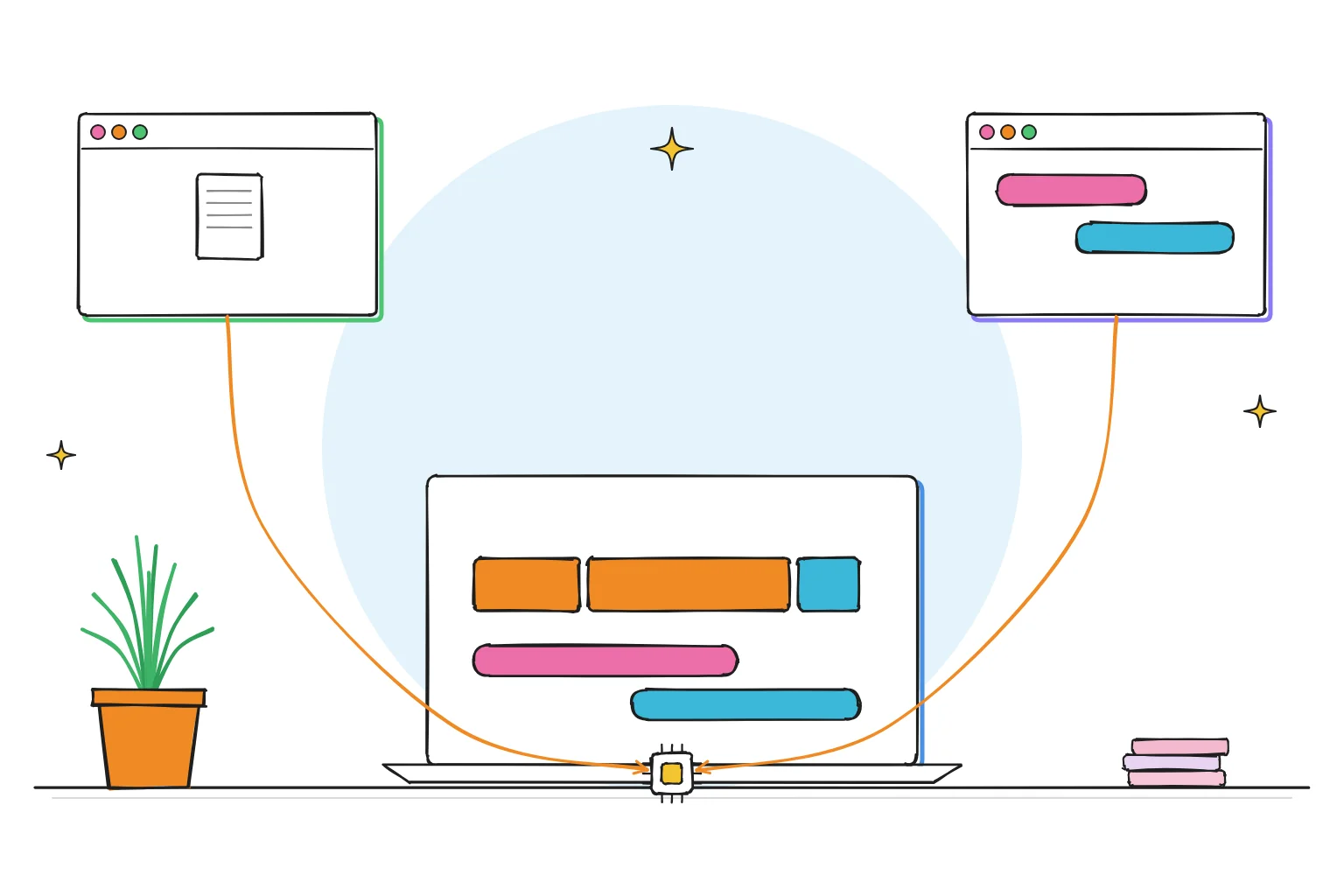
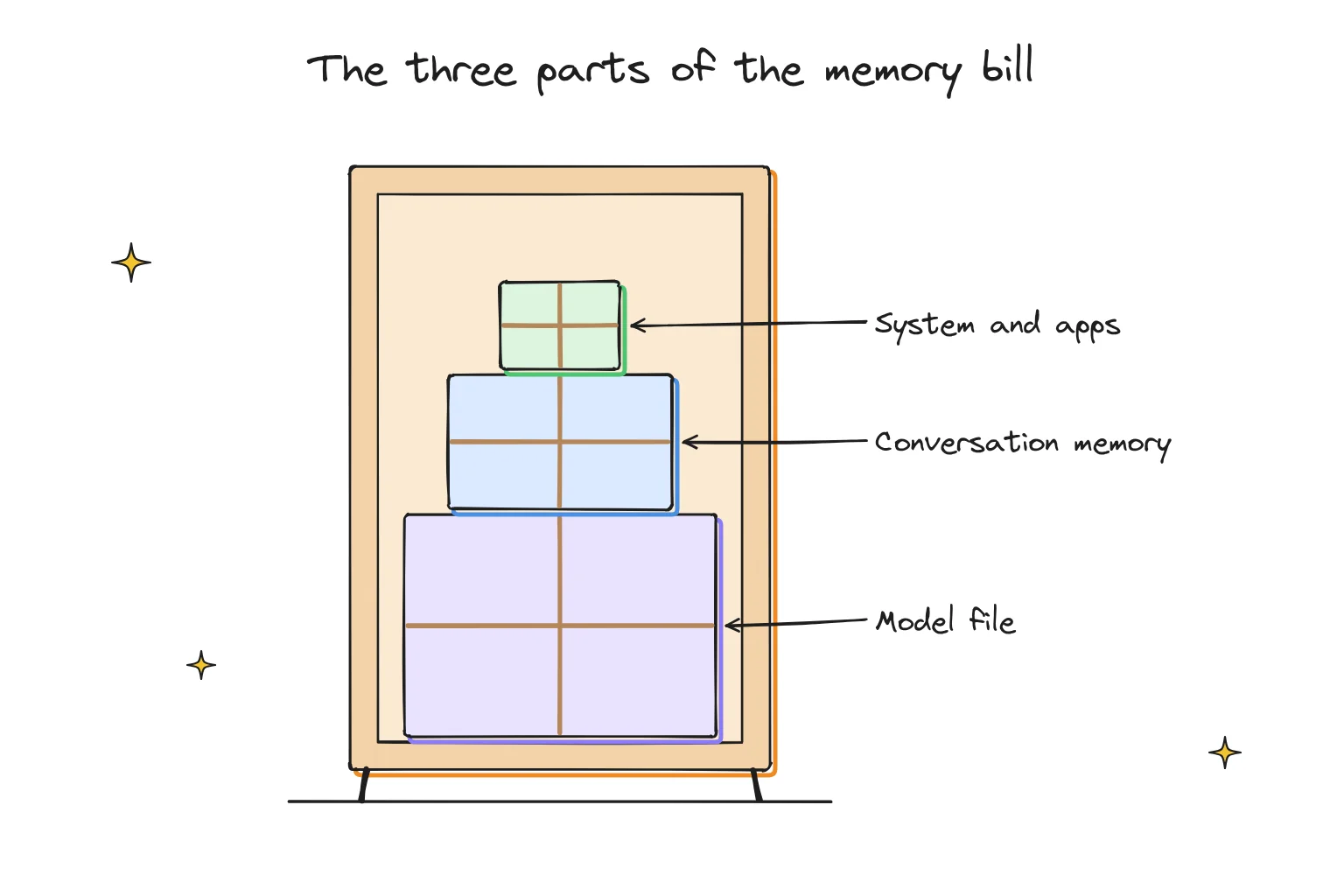
Short answer: add up three things. The model file (its download size), the conversation memory the app keeps while you chat, and a little headroom for the app itself. If that total fits inside your graphics memory (VRAM) or, on an Apple Silicon Mac, comfortably inside your unified memory with room left for macOS, the model will run at a usable speed.
Our Start here guide gives the quick tier table (8GB, 16GB, 32GB and up). This page shows the arithmetic behind it, so you can check any model on any download page yourself, without a calculator website.
This guide follows one reader: someone with a 16GB laptop who has found a model they like the sound of and wants to know, before a 9GB download, whether it will actually fit.
The formula in one line
Memory needed ≈ model file size + conversation memory + 1 to 2GB of working room
Then compare that number with the memory your model can actually use:
- Windows or Linux PC with a graphics card: your card's VRAM. Anything that does not fit spills into normal RAM and runs much more slowly. Ollama's
ollama pscommand shows the split in its PROCESSOR column, for example48%/52% CPU/GPU. - Apple Silicon Mac: unified memory, which the processor and graphics share. Leave several GB for macOS and your other apps; do not plan to hand a model every last gigabyte.
- No graphics card: system RAM. It works, but expect slower replies.
The three parts of the memory bill
1. The model file
A model is a big file of numbers called weights. Its size depends on two things: how many weights it has (the "B" in 8B means 8 billion) and how many bits each one is stored in. Most beginner downloads are quantized to about 4 bits per weight, which is why a GGUF tag such as Q4_K_M is the usual default. Our GGUF guide explains those tags.
A rough way to estimate it:
File size in GB ≈ billions of parameters × bits per weight ÷ 8
At 4-bit quantization, real files land a little above the neat answer, because some parts of the model are kept at higher precision. That is why it is safer to read the actual download size off the model page than to trust the arithmetic alone.
| Model (4-bit download) | Parameters | Download size | Neat 4-bit estimate |
|---|---|---|---|
| Llama 3.2 3B | 3B | 2.0GB | 1.5GB |
| Qwen 3.5 4B | 4B | 3.3GB | 2.0GB |
| Qwen 3.5 9B | 9B | 6.6GB | 4.5GB |
| Gemma 4 12B | 12B | 8.0GB | 6.0GB |
| gpt-oss-20b | 20B | 14GB | 10GB |
Download sizes from the Ollama library as listed in our Start here guide, checked October 2026. The "neat estimate" is parameters × 4 ÷ 8 and shows why real files run larger. Sizes vary by publisher: Unsloth's Gemma 4 12B Q4_K_M GGUF is 7.12GB.
Takeaway: use the real download size. The formula is for sense-checking, not for planning.
2. The conversation memory (context, or "KV cache")
While you chat, the app keeps a running memory of the conversation so far, called the context. Under the hood it is stored in something called the KV cache, and it grows with every token (roughly three-quarters of a word) the model keeps in view. Ollama's documentation is plain about it: setting a larger context length increases the memory a model needs.
How much? It depends on the model's design. Here is a worked example using the published configuration of Llama 3.1 8B (32 layers, 8 key-value heads, 128 dimensions per head), stored at 16-bit precision, Ollama's default cache type:
2 (keys and values) × 32 layers × 8 heads × 128 × 2 bytes = 128KB per token
| Context length | Roughly in words | Extra memory (Llama 3.1 8B, f16 cache) |
|---|---|---|
| 4,096 tokens | ~3,000 words | ~0.5GB |
| 8,192 tokens | ~6,000 words | ~1GB |
| 32,768 tokens | ~24,000 words | ~4GB |
| 131,072 tokens | ~98,000 words | ~16GB |
Worked example by Local AI Scout from the Llama 3.1 8B model configuration. Other models differ, sometimes a lot. Word counts use the rough ¾-word-per-token rule.
That last row is the surprise for most beginners. A model whose file is only about 5GB can need more than 20GB once you ask it to hold a whole book in view. Ollama offers a quantized cache to soften this: its FAQ says q8_0 uses about half the memory of the default f16, and q4_0 about a quarter, with some loss of precision.
Ollama also picks a default context for you based on VRAM: 4k tokens below 24GiB, 32k between 24 and 48GiB, and 256k at 48GiB and above. So on most home machines the default cache is small, which is one reason models "forget" long chats. We cover that in our context-length guide.
3. Working room
The app, its compute buffers and your operating system all need space too. One to two GB is a sensible allowance on top of the first two parts, and more on a Mac where macOS and your browser share the same pool.
Worked examples: does it fit?
Want to try the formula on a new model? Our guides to MiMo V2.6 (6.6GB file) and Ripple-65B (40.4GB file) list every file size you need.
| Your machine | Model | File | Context | Total estimate | Verdict |
|---|---|---|---|---|---|
| 8GB laptop, no GPU | Llama 3.2 3B | 2.0GB | 4k (small) | ~3.5GB | Fits, leaves room for a browser |
| 16GB MacBook Air | Qwen 3.5 9B | 6.6GB | 8k (~1GB) | ~9GB | Comfortable |
| 16GB MacBook Air | gpt-oss-20b | 14GB | 4k | ~16GB+ | Too tight for daily use |
| PC with 8GB VRAM | Gemma 4 12B | 8.0GB | 4k | ~9.5GB | Spills to RAM; slower. Pick a smaller model or quant |
| PC with 12GB VRAM | Gemma 4 12B | 8.0GB | 8k | ~10GB | Fits on the card |
| 32GB Mac | Gemma 4 26B | 18GB | 8k | ~21GB | Fits with headroom |
Estimates use file + context + ~1.5GB working room. Context costs vary by model; treat these as a planning guide, not a benchmark.
Choose a smaller model if…
- Your total lands within about 10% of your available memory. Close fits get slow the moment you open a few browser tabs.
ollama psshows a CPU/GPU split rather than100% GPU. Our GPU troubleshooting guide explains what that column means.- You want long conversations or long documents. Spend memory on context rather than on a bigger model.
Choose a bigger model if…
- Your total is several GB below your memory and replies feel quick.
- You mostly do short tasks, such as rewriting a paragraph, where a 4k context is plenty.
A two-minute check before any download
- Find the download size on the model page.
- Decide how much you need it to remember: a short chat (4k), a long document (16k to 32k) or an agent or coding tool (Ollama suggests at least 64,000 tokens).
- Add 0.5 to 1GB per 4k of context for a typical 7B to 9B model, more for larger ones, then 1 to 2GB working room.
- Compare with your VRAM, or with your Mac's memory minus a generous slice for macOS.
If it does not fit, try the same model at a smaller quantization, or the next size down. Our best Ollama models guide lists sizes by memory tier, and the GPU guide helps if you are thinking of upgrading.
No graphics card? See what really runs on a Windows laptop with no GPU.
On a Mac, see how to run local AI on a Mac.
Frequently asked questions
Is the download size the same as the memory a model needs?
No. The download size is the biggest part, but the conversation memory and the app itself come on top. Ollama's documentation notes that a larger context length increases memory use.
How much memory does context use?
It depends on the model's design. For Llama 3.1 8B at the default 16-bit cache it works out at about 128KB per token: roughly 0.5GB for 4,096 tokens and 16GB for 131,072 tokens.
Can I run a model that is bigger than my VRAM?
Often, yes. Apps such as Ollama and LM Studio can split a model between graphics memory and system RAM. It works, but replies slow down sharply.
Does a quantized conversation cache hurt quality?
A little. Ollama describes q8_0 as usually having no noticeable impact and q4_0 as a small-to-medium loss that may show more at long context lengths.
How we researched this: a documentation-based guide with our own arithmetic, not a hands-on benchmark. Sources checked October 31, 2026: Ollama FAQ (context window, ollama ps, K/V cache quantization) · Ollama context-length documentation · Ollama library model pages (download sizes via our Start here guide) · Unsloth Gemma 4 12B GGUF file list · Llama 3.1 8B model configuration. Illustrations are AI-generated artwork and do not depict a tested product.