Checked October 31, 2026 · Label: Local
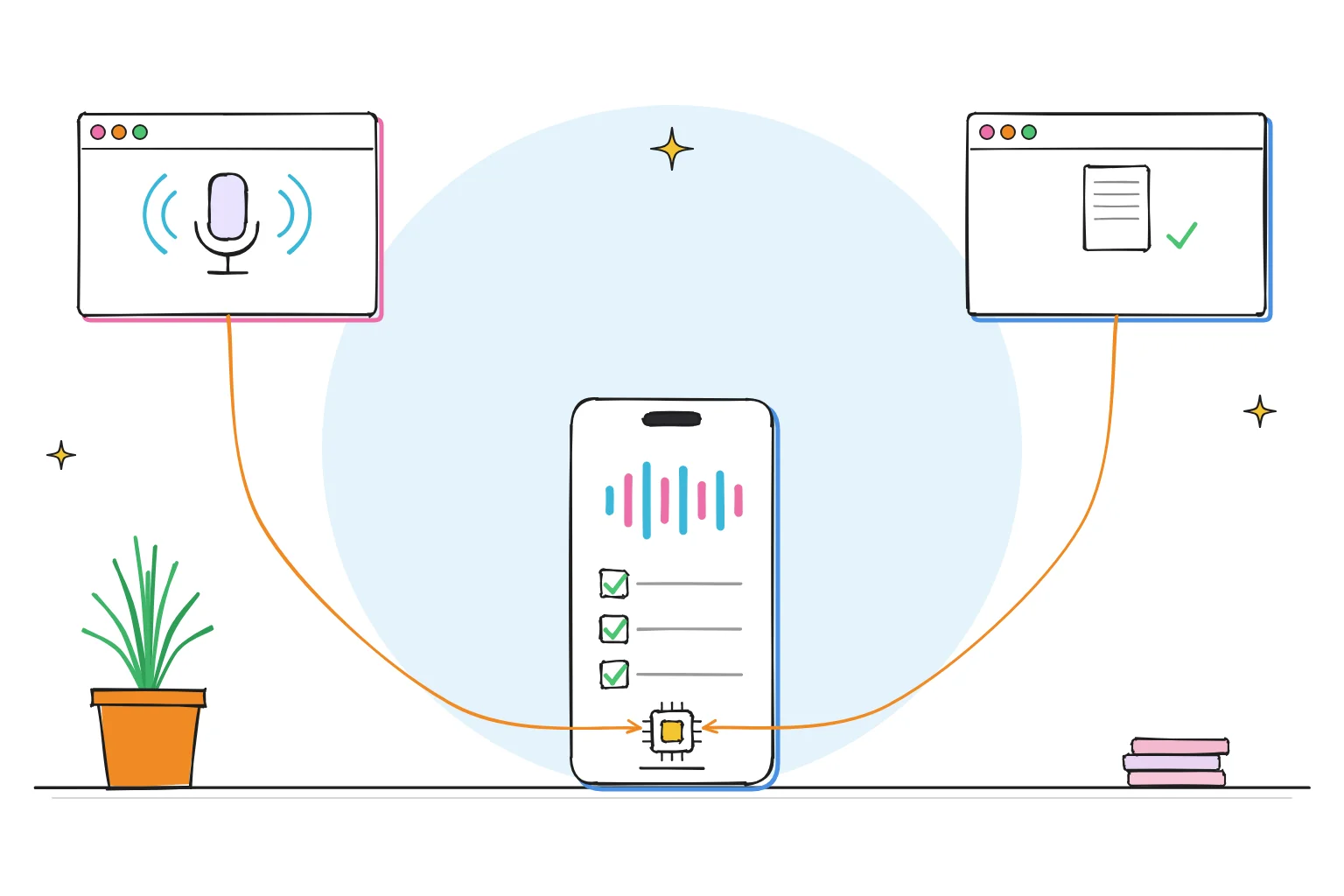
Short answer: two small pieces do the work. A speech-to-text model such as Whisper turns your recording into a rough transcript, then a local chat model turns that transcript into something useful: a summary, a to-do list or a tidy email draft. Going by the published memory figures below, both can typically run on an ordinary laptop. A third, optional piece, a text-to-speech model, can read the result back to you.
We already cover the individual parts: how to run Whisper locally and the best local text-to-speech models. This page joins them into one everyday workflow and shows how much memory the combination needs.
This guide follows one reader: someone who records rambling voice memos on the walk home ("remember to call the plumber, the school form is due Friday…") and wants them turned into a clean list without uploading their voice anywhere.
The three-part stack

| Step | Job | Typical local tool | Needed? |
|---|---|---|---|
| 1. Listen | Speech to text (transcription) | Whisper, via whisper.cpp or an app that wraps it | Yes |
| 2. Think | Tidy, summarize, extract actions | A 3B to 9B chat model in LM Studio, Ollama or Jan | Yes |
| 3. Speak | Text to speech (read it back) | A small TTS model such as Kokoro-82M (Apache 2.0) | Optional |
Tool choices from our Whisper and TTS guides and each project's documentation, checked October 2026.
Takeaway: steps 1 and 2 are the useful core. Add step 3 only if you want to listen rather than read.
Step 1: pick a Whisper size
Whisper comes in sizes. OpenAI's README describes the trade-off: bigger models are generally more accurate, but slower and hungrier. Two published tables are worth knowing.
| Whisper size | Parameters | Original Whisper (GPU memory) | whisper.cpp (memory) | Relative speed |
|---|---|---|---|---|
| tiny | 39M | ~1GB | ~273MB | ~10× |
| base | 74M | ~1GB | ~388MB | ~7× |
| small | 244M | ~2GB | ~852MB | ~4× |
| medium | 769M | ~5GB | ~2.1GB | ~2× |
| large | 1,550M | ~10GB | ~3.9GB | 1× |
| turbo | 809M | ~6GB | not listed | ~8× |
Parameters, VRAM and relative speed from OpenAI's Whisper README (speed measured on a data-center GPU; your speed will differ). whisper.cpp memory from its README. Checked October 2026.
For English voice memos, OpenAI notes that the English-only .en versions of tiny and base tend to perform better than the multilingual ones. A sensible start is small.en on a laptop, stepping up to medium or turbo if names and numbers keep coming out wrong.
whisper.cpp is the lean route: its README says it can run on the processor alone and use the graphics chip on Apple Silicon. If you would rather not use a command line, desktop apps that wrap Whisper exist for Mac and Windows; our Whisper guide compares them.
Step 2: tidy it with a local model
A raw transcript is messy: repeated words, half-sentences, "um, actually, no". This kind of tidying suits a small model, and you can check every line against what you said.
Paste the transcript into LM Studio, Ollama or Jan with a prompt like this:
Below is a transcript of a voice note I recorded.
1. Write a three-sentence summary in plain English.
2. List every action as a checkbox, with any date mentioned.
3. List names, numbers and places exactly as spoken, so I can check them.
Do not add anything that is not in the transcript.

Transcript:
[paste here]
The third instruction matters. It puts the details most likely to be misheard where you will see them.
Model size: a 3B to 4B model is a sensible starting point for to-do lists. Larger 7B to 9B models are typically better with longer recordings and writing style, if they fit your memory (see the budget below). A ten-minute ramble is roughly 1,300 to 1,500 words, which fits inside a 4,096-token context with room for the answer. Longer recordings may need a bigger window; see our context guide.
Step 3 (optional): read it back
If you want to hear your list while cooking or driving, a small TTS model can speak it. Kokoro-82M is a lightweight option (82 million parameters) with an Apache 2.0 license, according to its model card. Our local TTS guide compares voices and sizes.
Memory budget on a 16GB laptop
You do not have to run all three at once. Transcribe first, then close the transcriber and tidy.
| Setup | Transcriber | Chat model | Rough total in use | Verdict on 16GB |
|---|---|---|---|---|
| Light | whisper.cpp small (~0.9GB) | Qwen 3.5 4B (3.3GB file) | ~5 to 6GB | Comfortable, leaves room for a browser |
| Balanced | whisper.cpp medium (~2.1GB) | Qwen 3.5 9B (6.6GB file) | ~10 to 11GB | Fine if you close heavy apps |
| Heavy | whisper.cpp large (~3.9GB) | Gemma 4 12B (8.0GB file) | ~14GB+ | Run one at a time |
Worked example. Transcriber memory from the whisper.cpp README; chat model sizes are 4-bit downloads from the Ollama library; totals add 1 to 2GB working room. Not a benchmark.
On 8GB, use whisper.cpp base or small and a 3B model, one after the other. Our memory guide explains the arithmetic.
Choose this stack if…
- Your recordings contain family, health or work details you would rather not upload.
- You want it to work on a train with no signal.
- You are happy to check names and numbers before acting on the list.
Consider a cloud service if…
- You transcribe hours of multi-speaker meetings every week and need speaker labels and speed on a thin laptop.
- Your recordings are in a language where Whisper's accuracy is weaker. OpenAI's README notes performance varies widely by language.
If you go hybrid, keep the sensitive memos on the local path and send only the rest.
A five-minute first try
- Record a 60-second memo with three tasks and one date.
- Transcribe it with Whisper small.en.
- Paste the transcript into your local chat app with the prompt above.
- Compare the list with what you actually said.
- If a name came out wrong, try the medium model on the same clip.
Want something always listening in the kitchen instead? Our Raspberry Pi voice assistant guide covers that project.
Frequently asked questions
Can I transcribe audio offline for free?
Yes. Whisper's models are free to download, and whisper.cpp is MIT-licensed and runs on the processor alone, so transcription works without internet once the model is downloaded.
Which Whisper model should I use on a laptop?
Start with small, or small.en for English. It needs under 1GB in whisper.cpp. Move to medium or turbo if accuracy on names and numbers is not good enough.
Can a local AI summarize my voice memos?
Yes. Paste the transcript into a local chat model and ask for a summary and action list. Small models are typically enough for short memos; in our worked example above, a 3B to 9B model fits alongside Whisper on a 16GB laptop. Check names and numbers yourself.
Do I need a graphics card?
No. whisper.cpp runs on the processor alone, and small chat models run on CPU too. A graphics card or Apple Silicon makes both faster.
How we researched this: a documentation-based workflow guide with a worked memory budget, not a hands-on test. Sources checked October 31, 2026: OpenAI Whisper README (model sizes, memory, relative speed, English-only models, language variation) · whisper.cpp README (memory usage, MIT license) · Kokoro-82M model card (license) · Ollama library model sizes · our Whisper and TTS guides. Illustrations are AI-generated artwork and do not depict a tested product.