
Checked October 31, 2026 · Label: Local
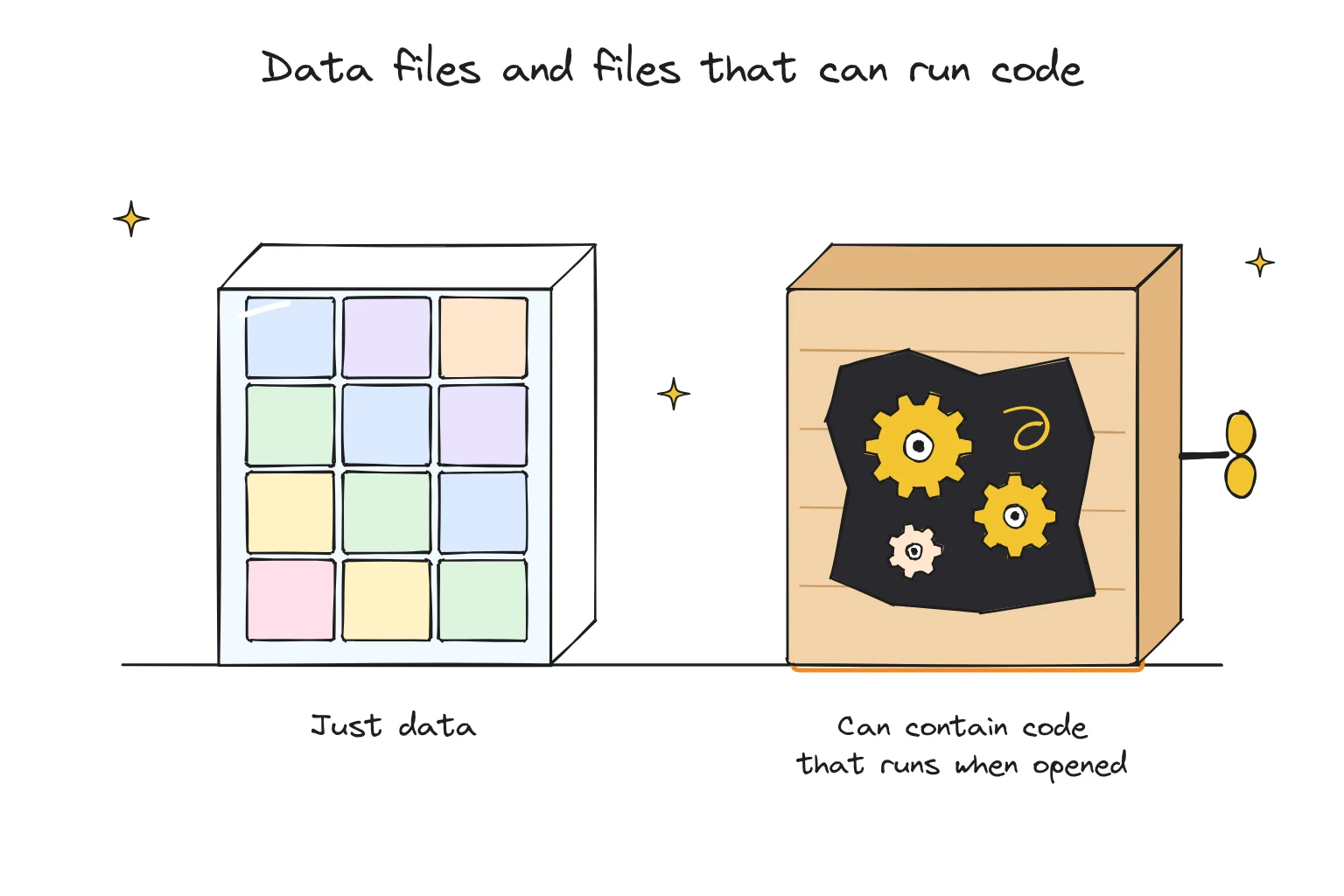
Short answer: usually, if you stick to well-known publishers and the file formats beginner apps use. GGUF and safetensors files are designed to hold data, not programs. The older pickle-based formats (often .bin, .pt, .pth or .pkl) can run code when loaded, which is why Hugging Face warns against loading them from sources you do not trust. Even data formats depend on the app reading them safely, so keep your apps updated.
Our GGUF guide explains what is inside a GGUF file and which quantization to pick. This page answers a different question: could a model file harm your computer?
This guide follows one reader: someone browsing Hugging Face for a model that a forum post recommended, who notices the uploader is not a name they recognize and wonders whether to click download.
Data files and files that can run code
| File type | Common extensions | Used by | Can it run code when loaded? | Beginner verdict |
|---|---|---|---|---|
| GGUF | .gguf | Ollama, LM Studio, Jan, GPT4All, llama.cpp | Not by design; it holds weights and metadata. Past parser bugs could be exploited by crafted files | Good default; keep apps updated |
| Safetensors | .safetensors | Hugging Face, MLX conversions, image tools | Not by design; built as a safe alternative to pickle | Good default |
| MLX | folder of weights | LM Studio on Apple Silicon | Typically stored as safetensors | Good on a Mac |
| Pickle (PyTorch) | .bin, .pt, .pth, .ckpt, .pkl | Older models, some research code | Yes. Loading pickle can execute code | Only from publishers you trust |
| Repo with custom code | .py files, "trust remote code" option | Developer libraries | Yes. The code runs on your machine | Not for beginners |
From Hugging Face's pickle security documentation, the Databricks and Cisco Talos GGUF vulnerability reports, and app documentation, checked October 2026.
Takeaway: if you only ever download through a beginner app's built-in model browser, you will usually get GGUF or MLX files. The risky formats mostly turn up when you start using developer tools.
Why pickle files are risky
Pickle is a Python method for saving objects to a file, and it was long the default for PyTorch model weights. Hugging Face's security page explains the catch plainly: loading a pickle file can execute code, so a crafted file can run whatever its author wanted. The page shows a harmless demonstration that prints "you've been pwned" while loading what looks like ordinary data.
PyTorch has since made its loader safer by default (from version 2.6, torch.load loads weights only unless told otherwise), but older tools and scripts may not.
What Hugging Face checks, and what it does not
Hugging Face scans every file pushed to the Hub with two checks:
- ClamAV, an open-source antivirus scanner.
- A pickle import scan, which lists what each pickle file would import and highlights suspicious entries on the file's page.
It also says, in so many words, that this is not 100% foolproof and that checking whether something is safe is ultimately your responsibility. Its advice: load models from users and organizations you trust, use signed commits where available, and prefer safer formats such as safetensors.
GGUF: safe by design, if the reader is safe
GGUF is a data format, but the program reading it still has to handle the file carefully. In January 2024, researchers at Databricks reported several heap-overflow bugs in the GGUF parser used by llama.cpp and GGML, where a specially crafted file could lead to code execution. Cisco Talos independently reported related issues and noted the vendor patch was released on January 29, 2024; the fix added input validation.
What that means for you:
- Bugs like these get fixed, but only if you update.
- A crafted file is far more likely to come from an unknown uploader than from a well-known publisher.
A safe-download checklist
- Use the app's built-in model browser where you can. Ollama's library and LM Studio's catalog point at known model repositories.
- Prefer recognized publishers. The original lab (Google, Meta, Qwen, Mistral and so on) or long-standing, widely used quantizers whose pages show many downloads and a clear model card.
- Prefer GGUF, safetensors or MLX. Skip
.bin,.pt,.pth,.ckptand.pklfiles from people you do not know. - Never check "trust remote code" or run a repository's Python scripts unless you understand what they do.
- Check the file page. On Hugging Face, look for scan results and flagged imports beside each file.
- Keep your apps updated. Parser fixes only protect you once they are installed.
- Read the license. "Open-weight" does not always mean free to use for anything. Our local vs cloud guide gives examples.
- Be extra careful with "uncensored" re-uploads. These are often published by individuals rather than labs. Our uncensored AI guide explains what they are.
Choose the download if…
- It comes from the original lab or a widely used quantizer, in GGUF, safetensors or MLX format.
- You found it through your app's own model browser.
Leave it if…
- The uploader is unknown, the model card is empty and the files are pickle-based.
- It asks you to run a script or enable remote code to get started.
- A link in a chat, comment or video promises a "better" version of a famous model.
Models are only part of the picture
A model file sits still until an app loads it. Tools and plug-ins are different: they are programs that run. If you add tools to your local AI, read our MCP safety guide. And if you want to know what the apps themselves send online, see does local AI phone home?
Frequently asked questions
Can a GGUF file contain a virus?
GGUF holds data, not programs, but in 2024 researchers showed that crafted GGUF files could exploit bugs in older llama.cpp versions. Those bugs were fixed in January 2024. Keep your app updated and download from trusted publishers.
Is safetensors safer than pickle?
Yes. Safetensors stores only tensor data, while loading a pickle file can execute code. Hugging Face recommends safer formats such as safetensors.
Does Hugging Face scan models for malware?
Yes. It runs ClamAV and a pickle import scan on every file, but says the checks are not foolproof and users should load models from sources they trust.
Are Ollama and LM Studio model downloads safe?
They use GGUF or MLX files, which are designed as data formats. Choosing well-known models and keeping the app updated reduces most of the common risks Hugging Face describes.
How we researched this: a documentation-based safety guide, not a security test. Sources checked October 31, 2026: Hugging Face Hub pickle scanning documentation · Databricks "GGML GGUF File Format Vulnerabilities" · Cisco Talos reports TALOS-2024-1914 and TALOS-2024-1916 · GGML pull request 709 (GGUF input validation) · PyTorch serialization notes · LM Studio and Ollama documentation. Illustrations are AI-generated artwork and do not depict a tested product.