Checked October 31, 2026 · Label: Local
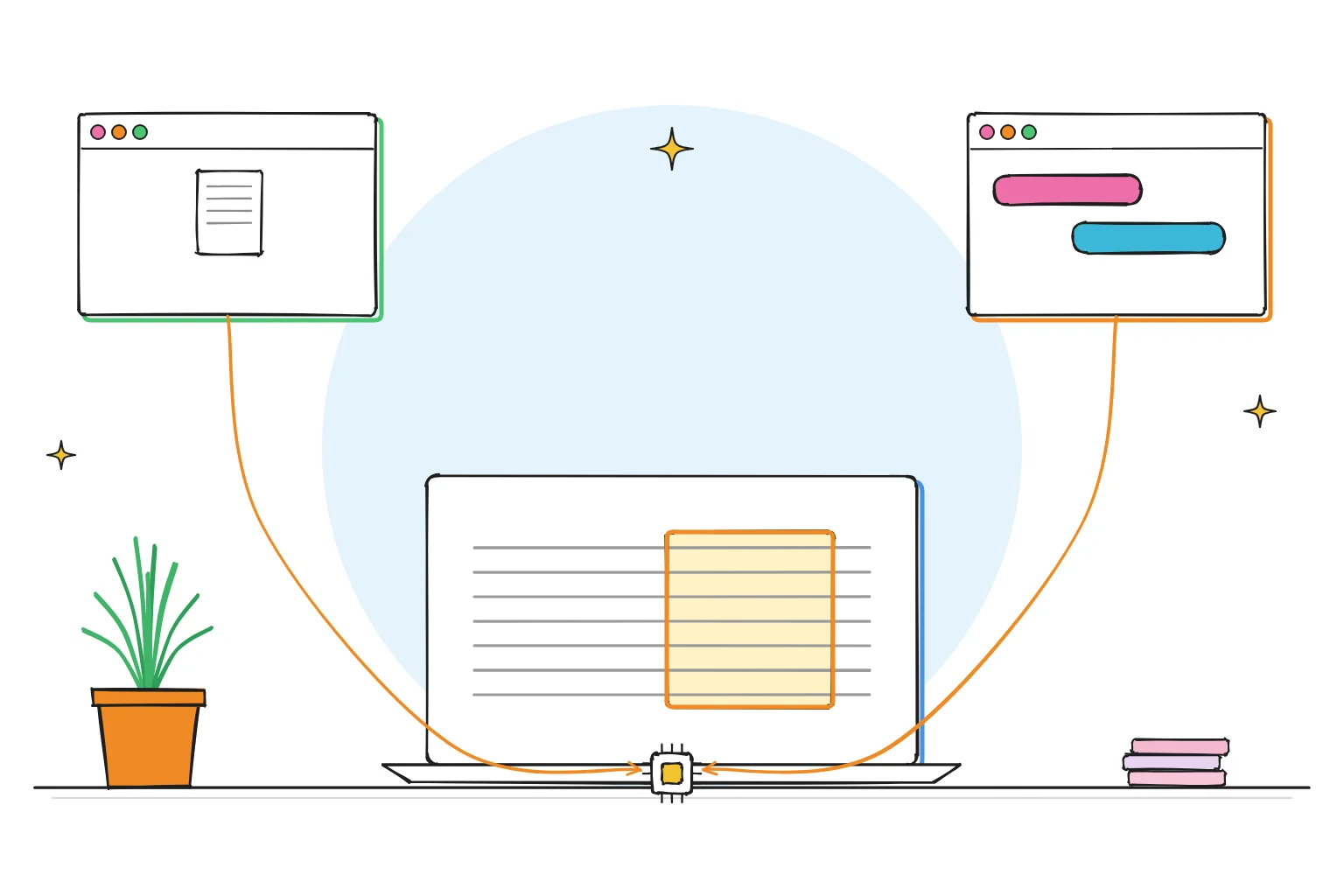
Short answer: a model can only "see" a fixed amount of text at once, called its context length or context window. Everything in the conversation, including your document and its own replies, has to fit. Local apps often set this window small by default to save memory: Ollama uses 4,096 tokens on machines with under 24GiB of graphics memory, and GPT4All's default is 2,048. When a chat outgrows the window, the oldest parts drop out of view, and the model seems to forget.
This guide follows one reader: someone who pasted a 20-page report into a local model, asked about page 3, and got a confident answer about something else entirely.
What context length means, in plain English
A model reads text as tokens, small chunks that average roughly three-quarters of a word in English. The context length is how many tokens the model can hold in view at once. Our how LLMs work guide covers tokens in more detail.
Everything shares that space:
- the app's hidden instructions (the system prompt),
- your messages and any pasted or attached text,
- the model's own replies,
- room for the answer it is about to write.
| Context length | Roughly in English words | Roughly in pages* |
|---|---|---|
| 2,048 tokens | ~1,500 | ~3 |
| 4,096 tokens | ~3,000 | ~6 |
| 8,192 tokens | ~6,000 | ~12 |
| 32,768 tokens | ~24,000 | ~50 |
| 131,072 tokens | ~98,000 | ~200 |
Rule-of-thumb conversion at ¾ word per token and about 500 words per single-spaced page. Real counts vary with language, numbers and formatting.
Takeaway: a 4k window holds a short report and a few replies. It does not hold a 20-page document.
The model's maximum vs the app's setting
Two numbers get confused:
- The model's maximum: what it was trained to handle, often 32k, 128k or more.
- The app's setting: what the app actually reserves for this chat. This is usually much smaller, because more context needs more memory.
| App | Default context | Where to change it |
|---|---|---|
| Ollama | 4k below 24GiB VRAM; 32k at 24 to 48GiB; 256k at 48GiB and above | App settings slider; OLLAMA_CONTEXT_LENGTH; /set parameter num_ctx in a chat; num_ctx in the API |
| GPT4All | 2,048 tokens | Model settings → Context Length |
| LM Studio | Set per model when loading | Model load settings; LM Studio advises modest context sizes on 8GB Macs |
From Ollama's context-length documentation and FAQ, GPT4All's settings documentation and LM Studio's system requirements, checked October 2026.
What happens when a chat gets too long
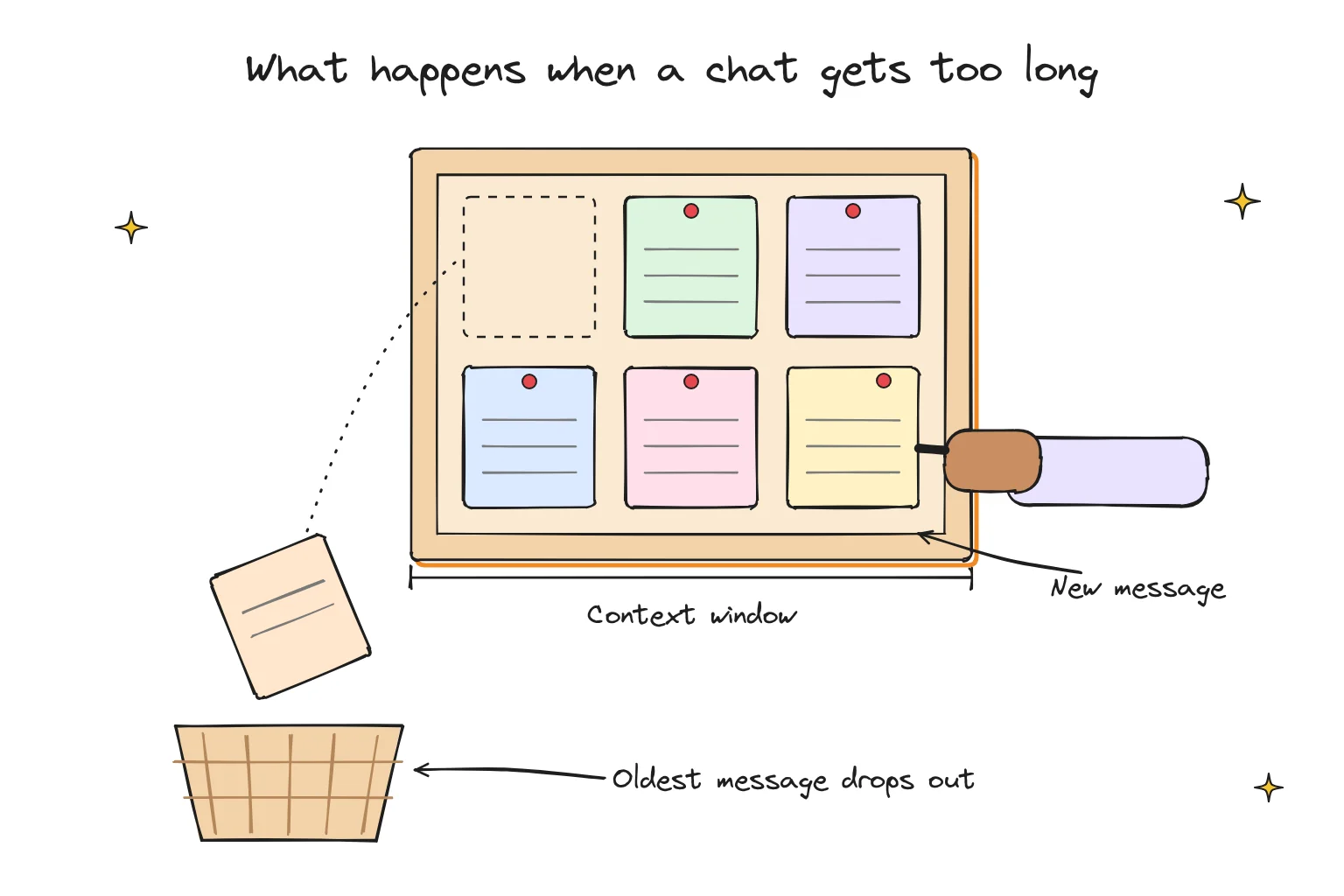
Apps handle overflow differently, but the effect is similar: the earliest material stops being visible to the model. Signs you have hit the limit:
- It forgets instructions you gave at the start ("write in plain English", "keep it short").
- It answers about the end of a document but not the beginning.
- It contradicts something it said ten messages ago.
- Some apps warn that the context is full or show a token counter near the limit.
Why apps keep the window small
Context costs memory. The model keeps a running store of the conversation, the KV cache, and it grows with every token. Using the published design of Llama 3.1 8B as a worked example, that store takes about 128KB per token at the default 16-bit setting: around 0.5GB for 4,096 tokens, 4GB for 32,768 and 16GB for 131,072. Our memory guide shows the full arithmetic.
On a 16GB laptop, a small default leaves room for the model itself. Raise the window too far and the model may spill out of fast memory and slow right down. Ollama's own advice is to avoid offloading to the CPU, and to check with ollama ps, which shows both the PROCESSOR split and the CONTEXT size.
How to fix forgetting
For long chats
- Start a fresh chat for each new task, and paste a three-line summary of what matters from the last one.
- Put standing instructions in the app's system prompt or preset, not in the first message.
- Raise the context to 8k or 16k if your memory allows.
For long documents
- Do not paste a whole report into a 4k chat. Use the app's document feature instead, which pulls only the relevant passages into the window. Our chat with PDF guide explains how that retrieval works.
- Or work in sections: summarize each chapter, then ask questions of the summaries.
For agents and coding tools
Ollama's documentation says tasks such as web search, agents and coding tools should be set to at least 64,000 tokens. Those tools fill the window quickly with file contents and tool results. On a typical laptop, that usually means a smaller model so there is memory left for the bigger window. Our AI harness guide explains why agents are so hungry.
Choose a bigger window if…
- You have memory to spare after loading the model.
- You regularly work with long notes or need the model to remember a long brief.
Keep the default if…
- You mainly rewrite paragraphs or ask short questions.
- Your model only just fits your memory today.
How to change it in Ollama
In the Ollama app, use the context-length slider in Settings. From the command line, either start the server with a bigger default:
OLLAMA_CONTEXT_LENGTH=8192 ollama serve
or change it inside a chat:
/set parameter num_ctx 8192
Then run ollama ps and check that the PROCESSOR column still says 100% GPU. If it now shows a CPU/GPU split, step back down or try a quantized conversation cache, which Ollama's FAQ says roughly halves (q8_0) or quarters (q4_0) that memory.
Frequently asked questions
What is a context window in AI?
It is the amount of text, measured in tokens, that a model can consider at once. Your messages, any attached text and the model's replies all count toward it.
What is Ollama's default context length?
Ollama sets it by graphics memory: 4k tokens below 24GiB of VRAM, 32k from 24 to 48GiB, and 256k at 48GiB or more. You can change it in settings or with OLLAMA_CONTEXT_LENGTH.
Does a bigger context make a model smarter?
No. It lets the model see more text at once, but it does not improve reasoning, and it uses more memory.
Why does my local AI ignore my first instruction?
Probably because the chat has grown past the context window and the first message has dropped out of view. Put lasting instructions in a system prompt or start a new chat.
How we researched this: a documentation-based guide with our own arithmetic, not a hands-on benchmark. Sources checked October 31, 2026: Ollama context-length documentation · Ollama FAQ (context window, num_ctx, K/V cache quantization, ollama ps) · GPT4All desktop settings documentation · LM Studio system requirements · Llama 3.1 8B model configuration. Illustrations are AI-generated artwork and do not depict a tested product.